Step-by-Step Tutorials to Help You Work Smarter
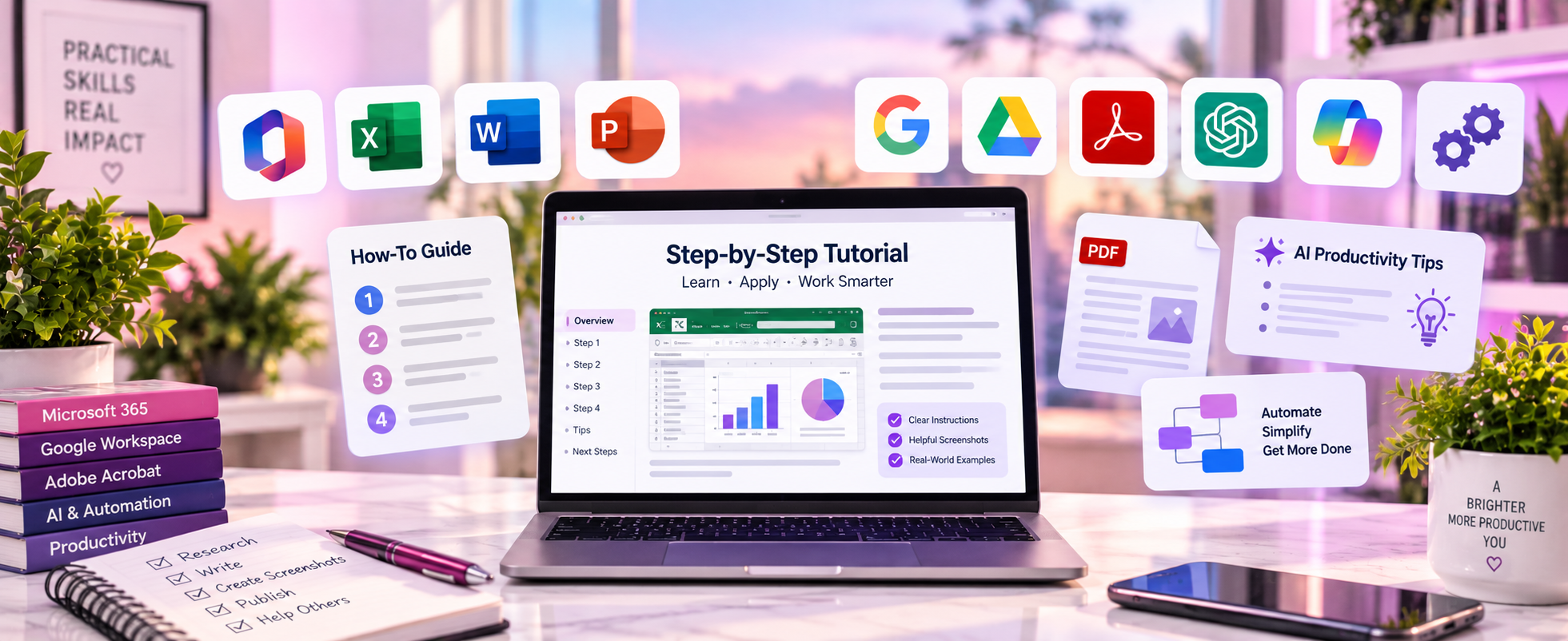
Practical how-to guides for Microsoft 365, Google Workspace, Adobe Acrobat, AI tools, automation, productivity and more.
Whether you're learning a new feature, solving a workplace problem, or looking for a faster way to get something done, you'll find practical tutorials designed to help you learn it, apply it, and put it to work.

How to Use ChatGPT in Microsoft Word: Install the ChatGPT for Word Add-in
Learn how to install and use ChatGPT directly in Microsoft Word! This step-by-step tutorial shows you how to set up the ChatGPT add-in, summarize documents, transform meeting transcripts into professional notes, and edit and format content using AI—all without leaving Word. Includes a video walkthrough and practical ChatGPT prompts you can try yourself.

How to Create Fillable Forms in Microsoft Word (Step-by-Step Tutorial)
How to Create Fillable Forms in Microsoft Word - A Step-by-Step Guide.

Level Up Your Resume with Microsoft Word's Copilot: A Step-by-Step Guide
How to Improve Your Resume with Copilot AI in Word

Write a Professional Resume Effortlessly with AI in Microsoft Word (Beginner-Friendly!)
How to Write a Resume Using AI in Microsoft Word with Copilot

How to Auto-Format Chapter Titles in Word Using a Macro
How to Auto Format Chapters in Word - Record a Macro & Make Chapter Titles go to Center of Page

How to Insert and Crop Images in the Header & Footer of Microsoft Word
Add circle photo to Header or Footer in Word

Create Professional Letterhead in Microsoft Word: Tutorial 1 of 4
Create Professional Letterhead in Microsoft Word. Lesson 1 of 4 covers how to insert icons, logos, shapes, and text boxes, then how to align and group them appropriately.

Use Speech-to-Text Voice Typing in Microsoft Word & Google Docs: Type Hands-Free!
Unleash your Voice! Type Hands-Free Using Dictate & Voice Typing in Word & Docs: Voice-to-Text Tips for Writing & Content Creation
